

SYNTAX Sets the default console foreground and background colors.
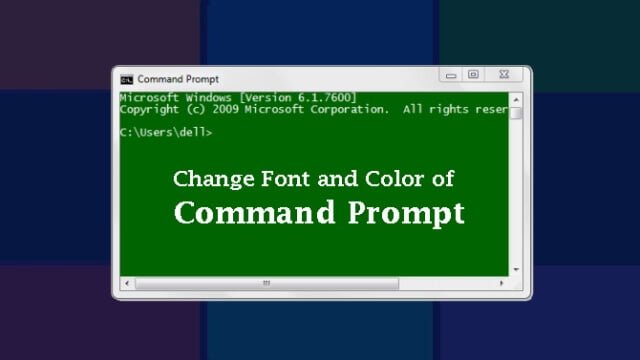 How to Change your DOS Prompt Colors
COLOR [attr]
attr Specifies color attribute of console output
Color attributes are specified by TWO hex digits — the first corresponds to the background; the second the foreground. Each digit can be any of the below values.
| 0 = Black | 8 = Gray | |||
| 1 = Blue | 9 = Light Blue | |||
| 2 = Green | A = Light Green | |||
| 3 = Aqua | B = Light Aqua | |||
| 4 = Red | C = Light Red | |||
| 5 = Purple | D = Light Purple | |||
| 6 = Yellow | E = Light Yellow | |||
| 7 = White | F = Bright White |
If no argument is given, this command restores the color to what it was when CMD.EXE started. This value either comes from the current console window, the /T command line switch or from the DefaultColor registry value. The COLOR command sets ERRORLEVEL to 1 if an attempt is made to execute the COLOR command with a foreground and background color that are the same.
EXAMPLE
Color 2A = Creates a green background with light bright green text, similar to many of the FTP, telnet, and old BBS console screens.
Valid for a session only